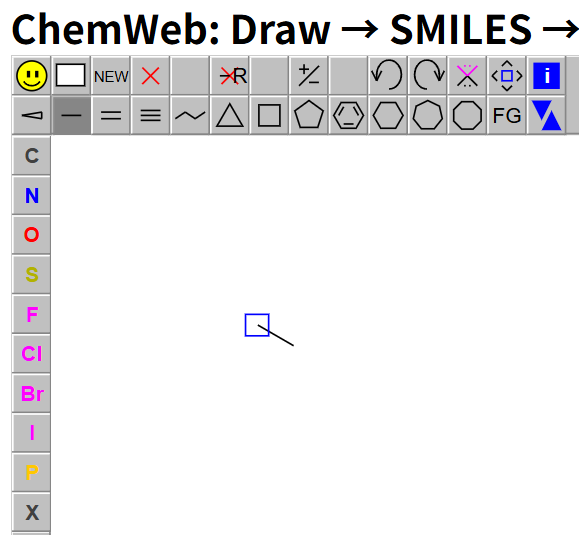
We will manually draw the bond-line structure of acetic acid in JSME. First, select the single bond tool (second row, second button), then click once in the drawing area. If you keep holding the left mouse button, you can rotate the bond direction before releasing. After release, the bond is fixed. By default, both bond ends are carbon atoms with implied hydrogens.
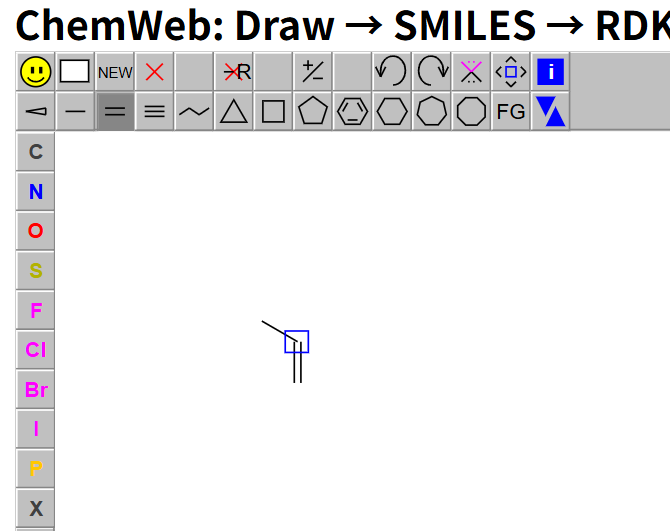
Step 2: Select the double bond tool and click the highlighted atom (blue box) to add a double bond from the central carbon.
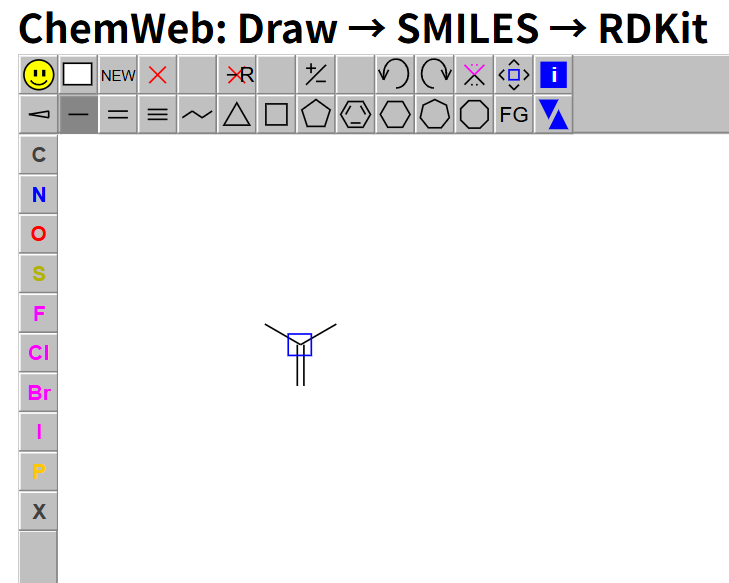
Step 3: Switch back to the single bond tool and click the highlighted central atom again to add another single bond branch.
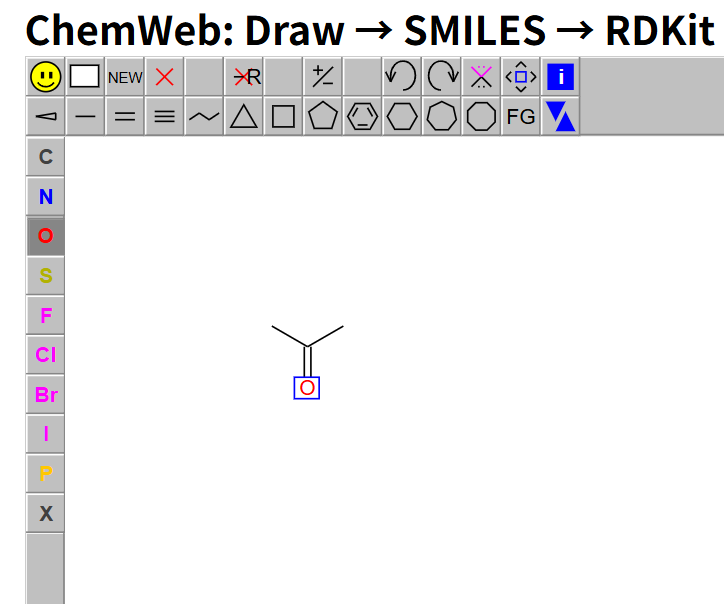
Step 4: Select O (oxygen) from the left atom toolbar, then click the terminal atom on the double bond to set the carbonyl oxygen.
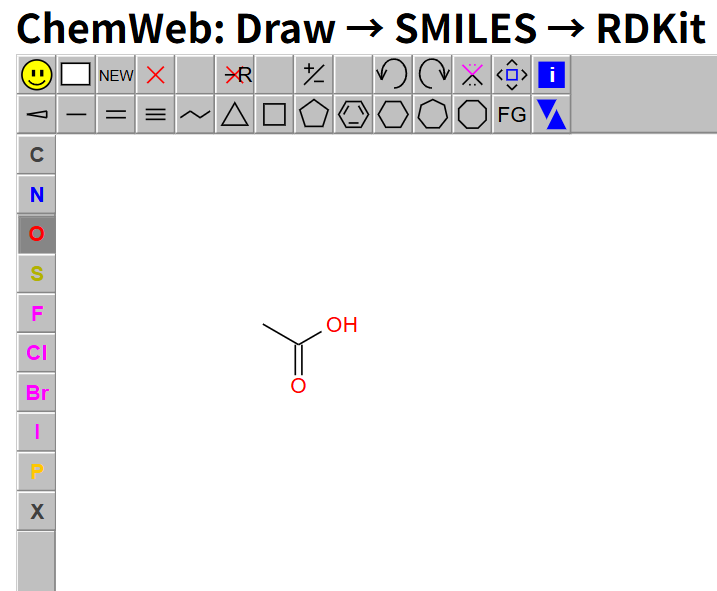
Step 5: Add oxygen to the upper-right single-bond branch. JSME automatically gives the hydroxyl form (OH) for this position.
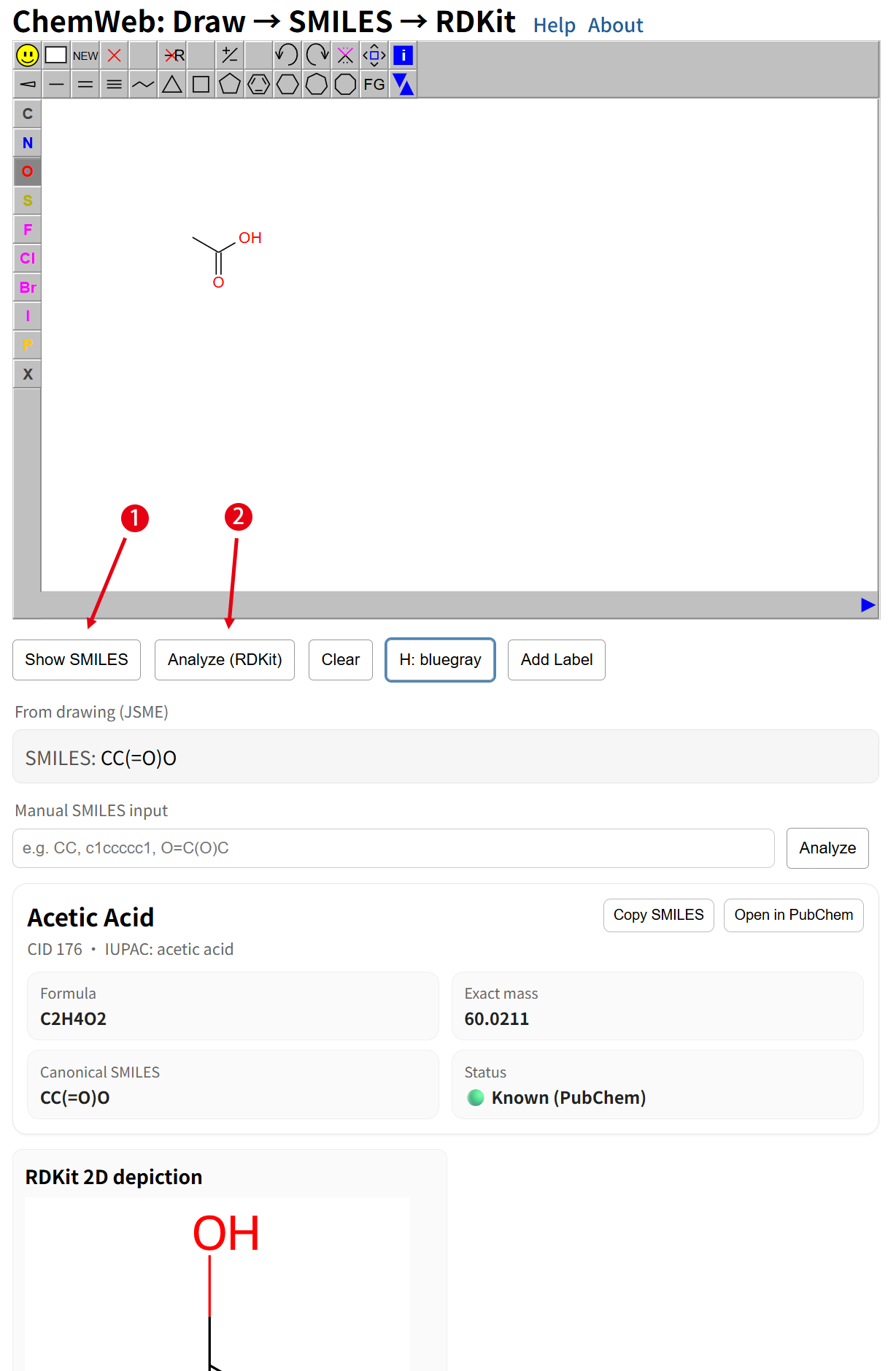
Finally, click Show SMILES. The generated SMILES appears in the From drawing (JSME) field. Then click Analyze (RDKit) to view the compound name/properties and the RDKit 2D and 3D structures.